Download Our mobile app.
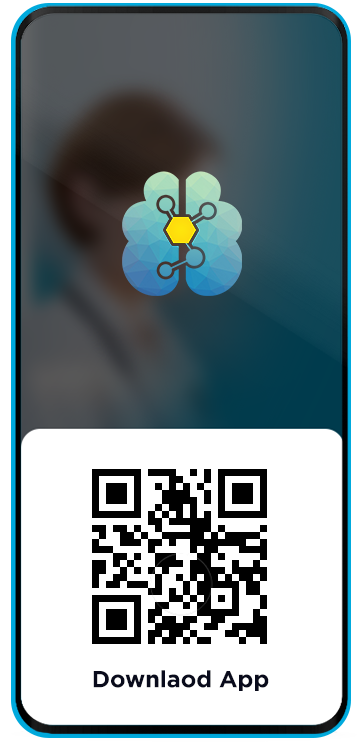
Fifth ventricle application is 100% ad and virus free. Follow the below tutorial to install our application in your mobile
SIMPLE To Use
Simple to use Application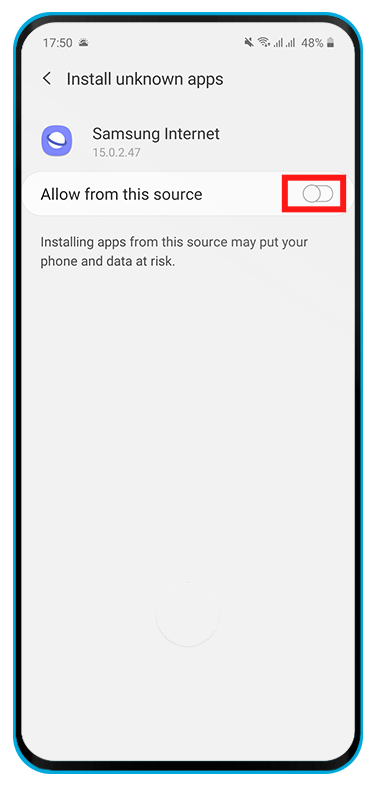
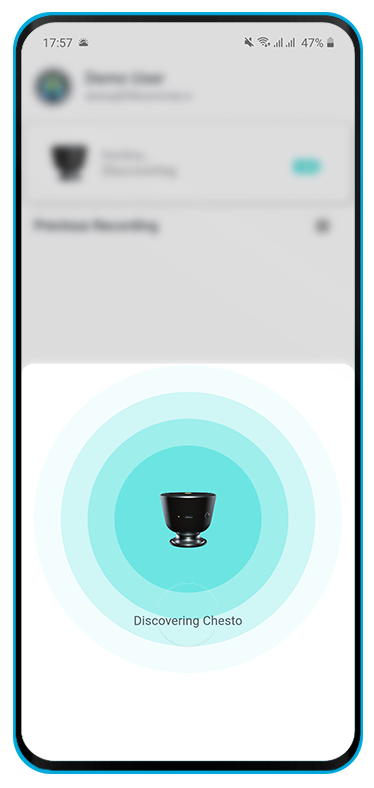
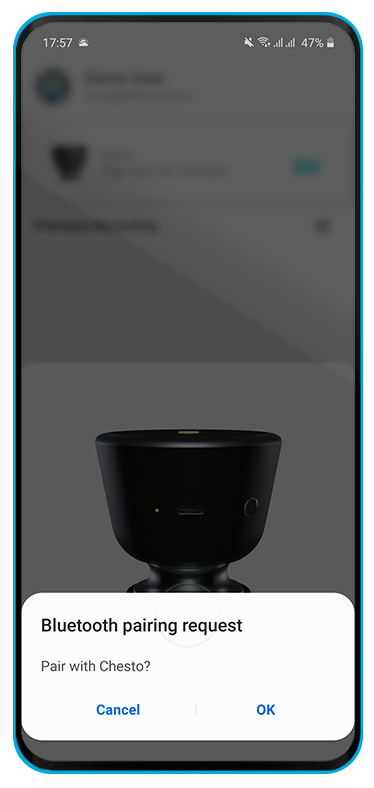
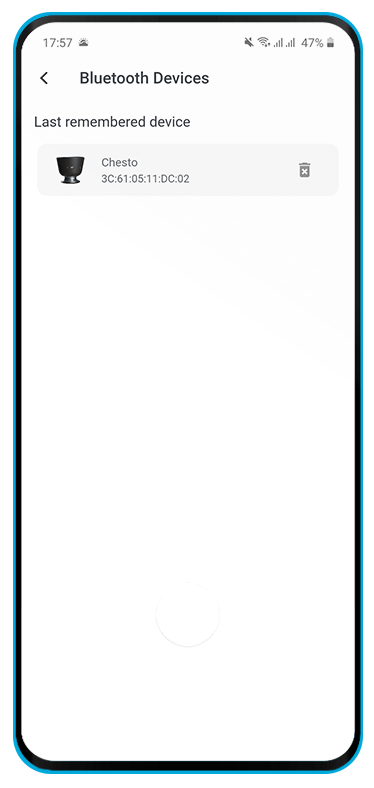
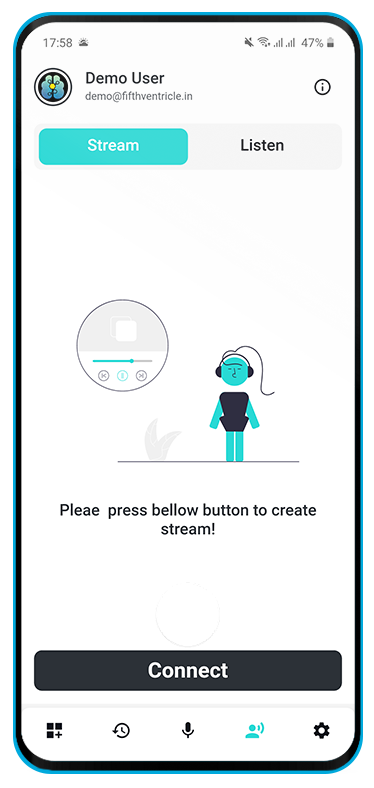
How to Install Application?
Step-1 Turn on unknown source installation
From a Home screen, swipe up or down from the center of the display to access the apps screen. Navigate: Settings. > Apps.> Tap Menu icon (upper-right).> Tap Special access.> Tap Install unknown apps.> Select the unknown app then tap the Allow from this source switch to turn on or off . Setting may vary little, depending upon different hanset.
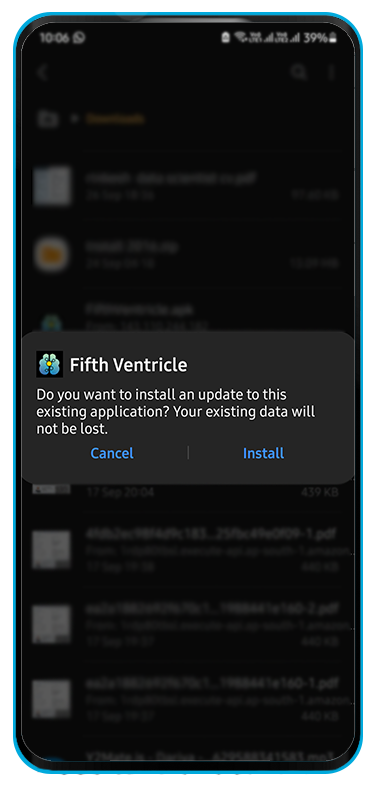
Step-2 Install Application
Open downloaded application>click on install>Wait for few second to complete installation>Once installation is complete Tap on Open.
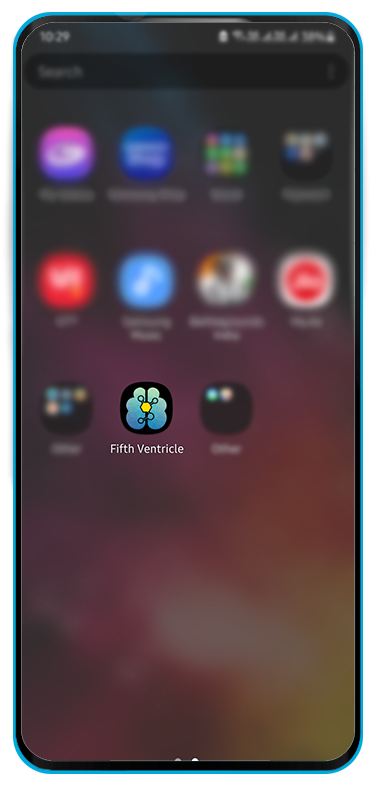
Step-3 Open Application.
Go to Homescreen>You will find fifth ventricle application installed>Tap on it> Your app is ready to use with device.
Get in application
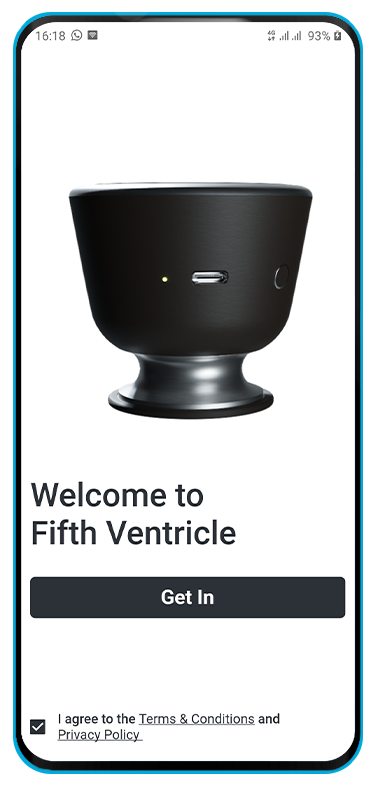
Get in .
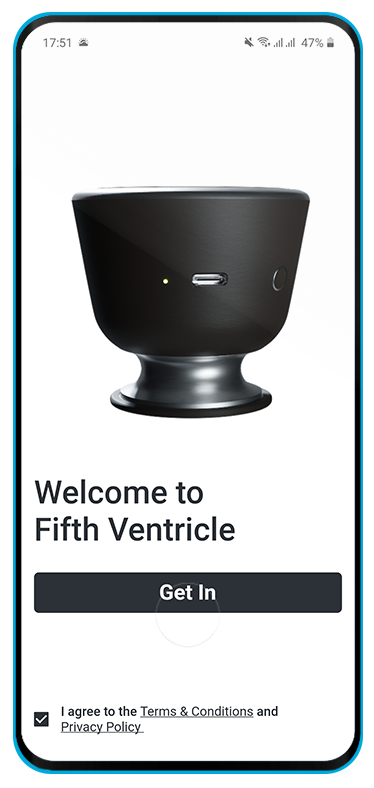
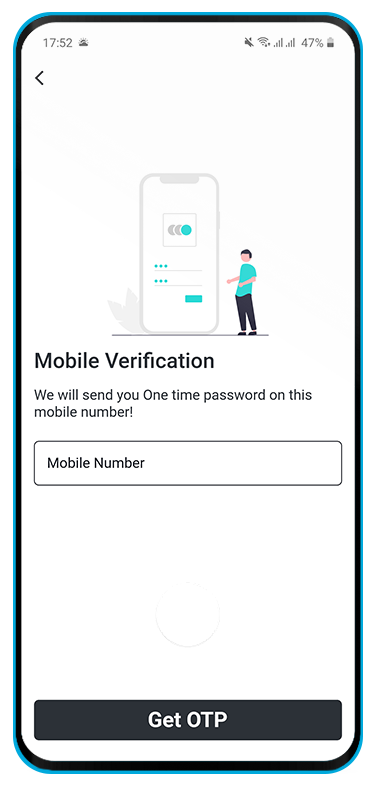
Open your application>Tap on Next.>Tap on get In>Enter Your mobile Number> For first time provide your information as asked> After completion you are ready to use application with device.
How to Record sound?
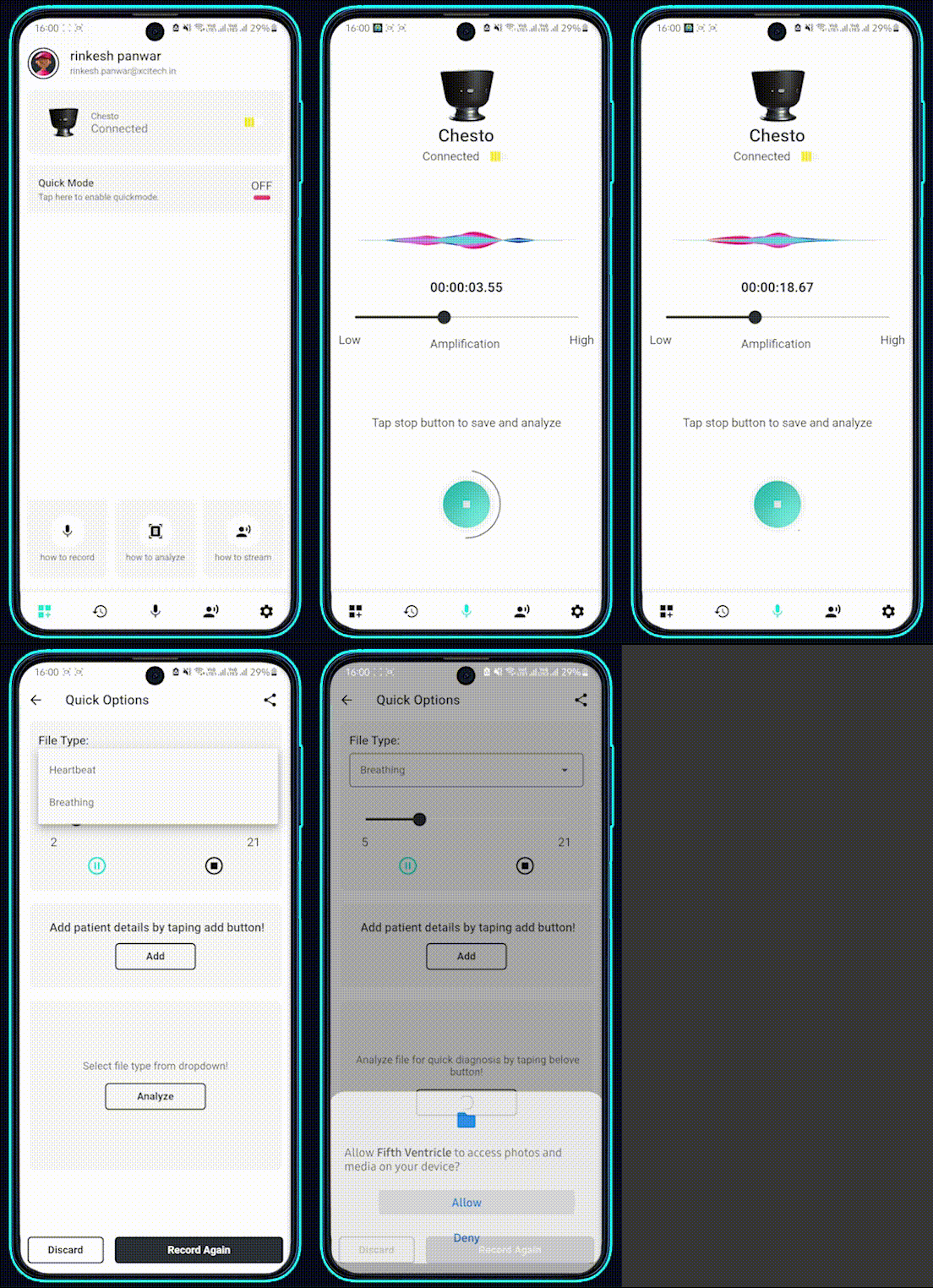
Record your sound
Open application Make sure chesto is connected with your application>Your sound are listen by application pre-default.You can remove this predefault setting in app. Tap on microphone icon> Tap on Start recording> Your recording is started> Tap on stop to stop recording> Now You can hear your recording.
How to do Live Streaming?
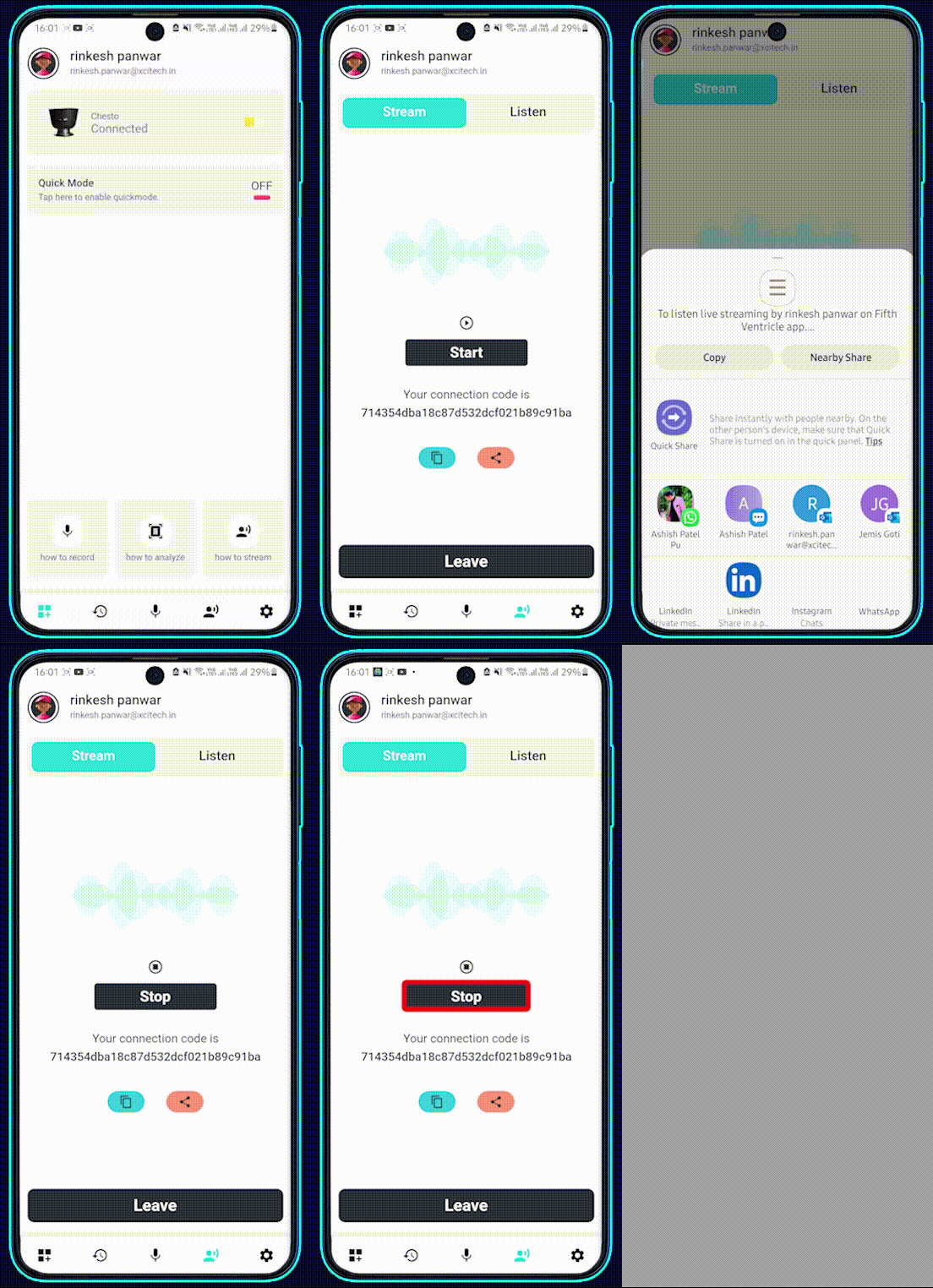
Step-1 Brush up Internet Connection
Open application Turn on your internet connection(wifi or mobile)>Make sure your internet speed is stable and up to mark(Minimum 500kb/s, Recommend 1mb/s)> Tap on boadcast icon(last second).> Tap on connect> Wait for confirmation>You are ready to start broadcasting sound.>share/copy your streaming code with your partner
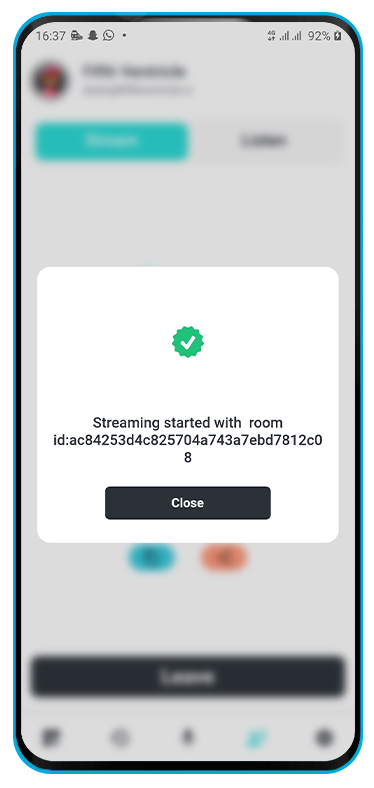
Step-2 Share your code
Once streaming/broadcast is started you can share your streaming code with your partner directly either via gmail,whatsapp etc. You can also copy your sharing code.
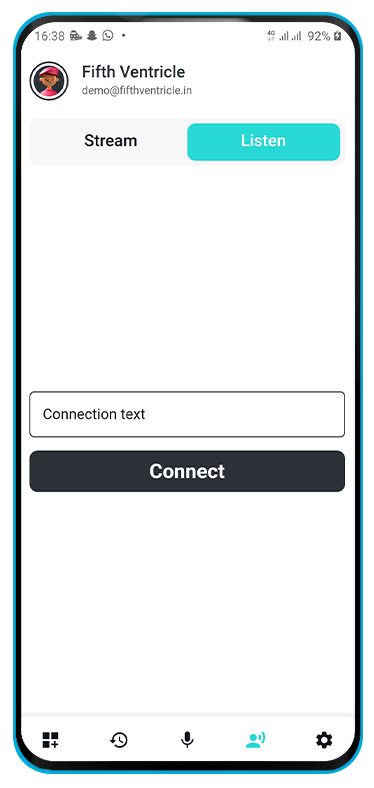
Step-3 Listen Broadcast/Stream
Copy your stream/broadcast code> Tap on broadcast/stream icon > Tap on listen> Paste your streaming/broadcast code> Tap on press and enjoy> Your streaming will be connected within in few second.
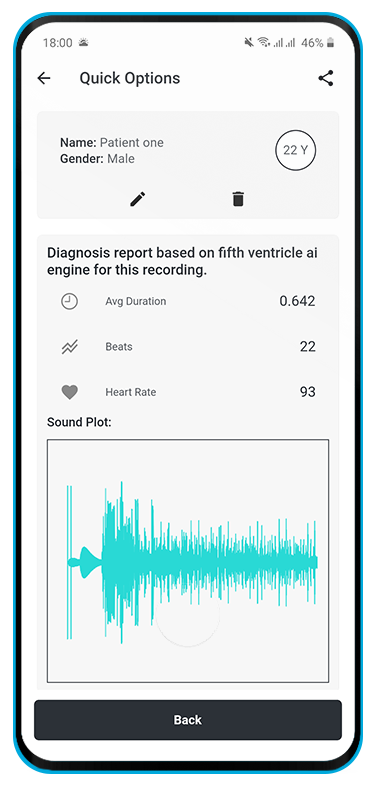
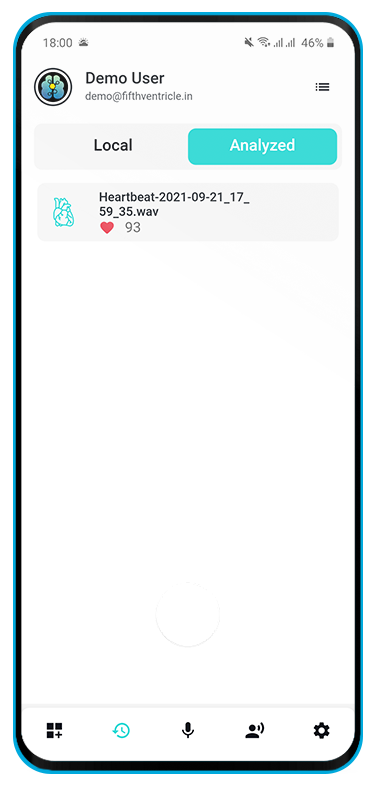
Analyze your Sound.
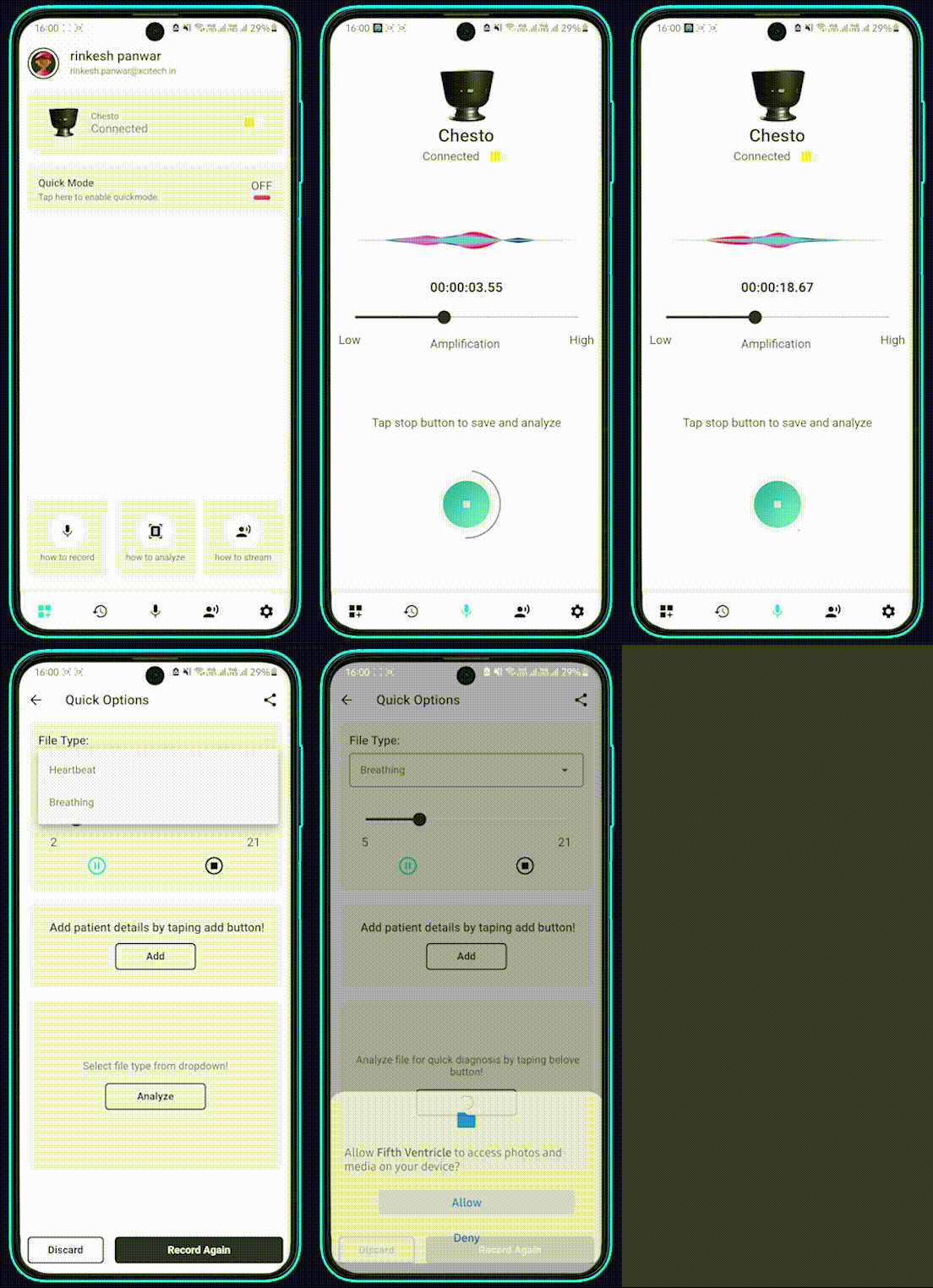
Analyze your sound
Open application Make sure chesto is connected with your application>Your sound are listen by application pre-default.You can remove this predefault setting in app. Tap on microphone icon> Tap on Start recording> Your recording is started> Tap on stop to stop recording> Tap on Analyze. Your file will be analyzed.